Modernizing Legacy Software: Rewrite from Scratch or Gradual Transformation?
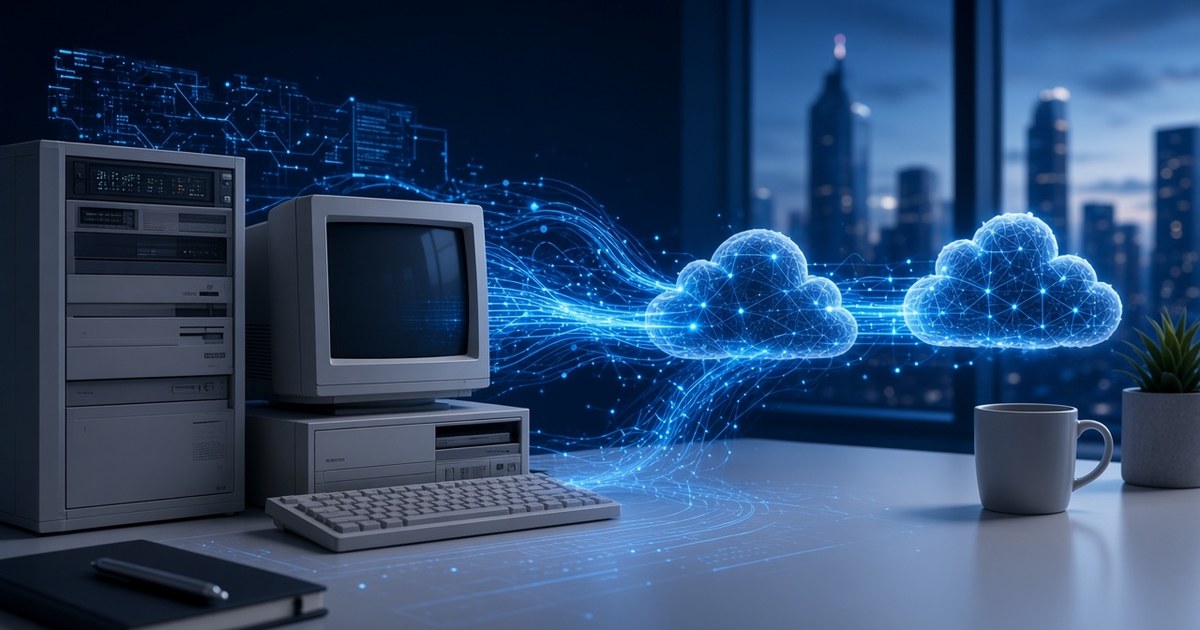
Software developed years ago to meet a company’s needs may still be managing orders, inventory, production or customer relationships today. Such systems usually sit at the heart of the business; over time, however, they become hard to change, expensive to maintain and slow to respond to new needs. In this article, we look at legacy software modernization from a decision maker’s perspective and try to answer the most common question: rewrite from scratch, or transform gradually?
When Does a Legacy System Become a Business Risk?
Being old is not a problem in itself; systems that have run smoothly for many years are valuable. The problem arises when a system starts slowing the business down and accumulating hidden risks. The following signals indicate that modernization should be put on the agenda:
- Support risk: The language, framework, database or operating system in use no longer receives vendor support.
- Key-person dependency: Only one or two people fully understand the system, and documentation is insufficient.
- Slow change: Even a small enhancement takes weeks, and every update causes unexpected errors.
- Integration difficulty: Workarounds are constantly needed for e-invoicing, e-commerce, mobile apps or data exchange with partners.
- Security gaps: Current security patches cannot be applied; authorization and logging mechanisms are inadequate.
- Inability to scale: Performance drops noticeably as user or transaction volumes grow.
What really triggers a modernization decision is not the age of the technology, but how much the system stands in the way of business goals.
Modernization Options: There Is No Single Right Path
Modernization is a wide spectrum between “throw it all away and rewrite” and “touch nothing.” The options commonly used in the industry can be summarized as follows:
- Rehost: Moving the application to a new infrastructure, such as the cloud, without changing its code. It is fast but does not fix problems inside the software.
- Replatform: Moving to a more modern platform, such as a managed database or containers, with minor adaptations.
- Refactor: Improving code and architecture while preserving externally visible behavior; for example, separating modules or moving to a service-based structure.
- Rebuild: Developing the application from scratch with current technologies. It offers the most flexibility but carries the highest cost and risk.
- Replace: Replacing custom software with an off-the-shelf product or SaaS solution. Company-specific processes may not always fit a packaged product.
In most organizations the right answer is not a single option but a combination. Critical, frequently changing modules can be refactored, while stable parts are simply moved to new infrastructure.
Rewrite from Scratch or Gradual Transformation?
Rewriting looks attractive: a clean slate, modern technology and freedom from the burdens of the past. However, legacy systems contain business rules accumulated over years, often written down nowhere. Until the new system captures all of these rules, the old system keeps running and changing; this can drag the project out.
Gradual transformation, on the other hand, renews the system piece by piece. A frequently used approach here is the strangler fig pattern: a routing layer is placed in front of the old system, new functions are developed as separate components, and traffic is shifted to the new components step by step. The old system shrinks until its functions are fully taken over, and then it is retired.
Gradual transformation delivers value early and splits risk into small pieces; in a big bang migration, all the risk is concentrated on a single day.
Still, there are cases where rewriting makes sense. If the system is small and well understood, if the business model has changed fundamentally, or if it is no longer possible to move forward safely on the current technology, rebuilding may be the right choice. Even then, rolling out the new system in modules rather than all at once significantly reduces risk.
Key Considerations for Cloud Migration
Modernization is often planned together with a cloud migration. The cloud offers flexibility, scalability and managed services, but the migration needs to be designed deliberately:
- Cost model: In a pay-as-you-go model, costs that are not monitored can lead to higher-than-expected bills.
- Data location and regulation: KVKK and sector-specific regulations may affect where data is stored.
- Security and identity management: Network design, access rights and encryption should be planned from the start.
- Hybrid scenarios: Some systems may stay on-premises for a while; connectivity between the cloud and the local environment must be planned.
Data Migration and Integration
The most sensitive part of modernization projects is usually data rather than code. Data accumulated over the years may be inconsistent, duplicated or stored in different formats. Before migration, data quality should be analyzed, transformation rules clarified and results validated through trial migrations.
During a gradual transition, the old and new systems run side by side for a while. To keep data consistent on both sides during this period, API layers, message queues or synchronization mechanisms are used. Keeping integrations with ERP, accounting and other enterprise systems running without interruption is also critical for business continuity.
A Step-by-Step Modernization Roadmap
- Analyze the current state: Inventory applications, dependencies, data flows and integrations.
- Clarify business goals: Speed, cost, security or scalability; set your priorities.
- Choose a strategy for each component: Decide which module will be moved, refactored or rewritten.
- Start with a small pilot: Validate the approach with a low-risk module whose value is visible.
- Set up automation: Automated tests and CI/CD pipelines are the foundation of frequent, safe change.
- Migrate gradually: Move traffic and users to new components step by step; keep a rollback plan ready.
- Retire legacy components: Decommission parts whose functions have been taken over and update the documentation.
Risks and How to Reduce Them
The most common risks of modernization are uncontrolled scope growth, overlooked undocumented business rules, data loss or inconsistency, and users struggling to adapt to the new system. These risks can be significantly reduced through a clear scope definition, early involvement of business units, and testing and validation at every step.
It is also important to see modernization not as a one-off project but as the start of a continuous improvement process. Otherwise, the system modernized today may become legacy again within a few years.
How Can Ergineer Help?
At Ergineer, our Ankara-based team provides services in custom software development, software modernization, cloud solutions and system integration. From analyzing your current systems and defining a modernization strategy to cloud migration and integration with ERP and other enterprise systems, we can plan the process end to end together with you.
With our experience in software, artificial intelligence, IoT and information security, we aim to design modernization not just to renew technology, but to add measurable value to your business. If you would like to assess the future of your legacy system, you can contact us via ergineer.com.tr.