ERP Integration Guide: Connecting E-Commerce, CRM and Dealer Portals to Your ERP
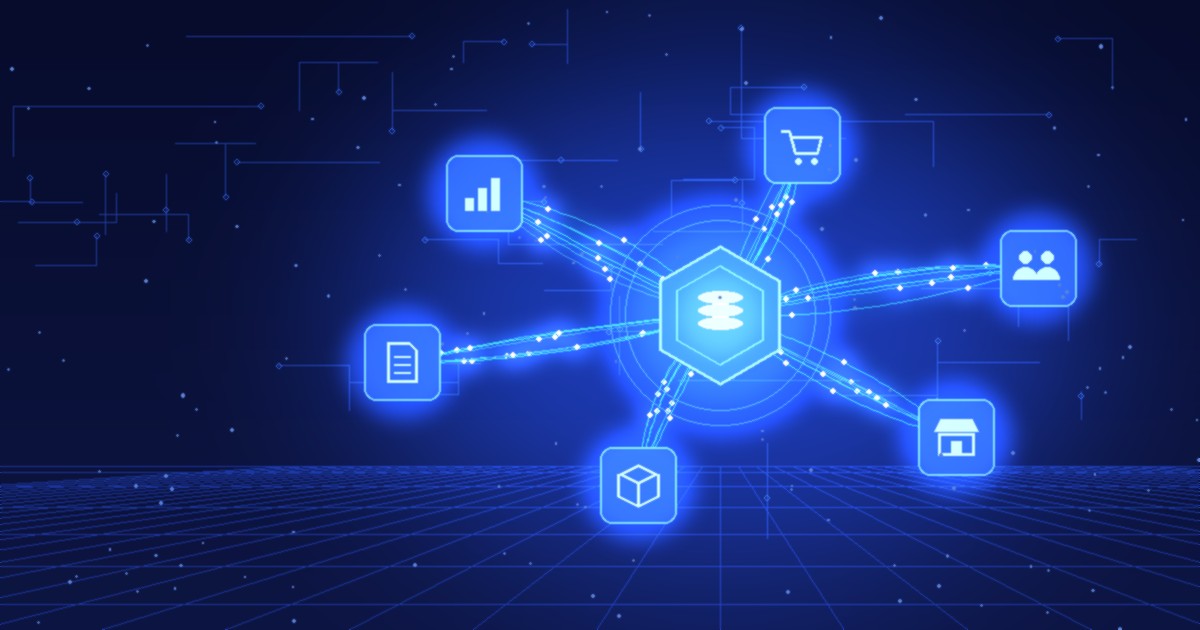
Orders come in from the e-commerce site, customer information is kept in the CRM, and stock and invoices are managed in the ERP. When these systems do not talk to each other, the gap between them is usually filled by people, emails and Excel spreadsheets. In this article, we look at ERP integration from a decision maker's perspective and explain how to connect different systems in a reliable, traceable and sustainable way.
Why Is Integration a Business Issue?
At first glance, a lack of integration looks like a technical detail. In reality, its impact is felt directly in operations, customer experience and the quality of decisions. The following symptoms show that your systems are working in isolation:
- Double data entry: The same order or customer information is entered manually into more than one system.
- Inconsistent stock: The stock shown on the e-commerce site does not match the actual stock in the warehouse.
- Delayed invoices: Turning an order into an invoice and a shipment takes hours, or even days.
- Scattered reporting: Management reports rely on spreadsheets compiled manually from different sources.
- Dependency on individuals: Data transfer runs on manual steps that only certain employees know.
What these problems have in common is that the data lacks a single source of truth. Integration aims to clarify that source and move data to the right system at the right time.
Integration Approaches: Which One Fits You?
There is no single right architecture for every business. The number of systems, the data volume and the need for real-time processing determine the approach to choose. Commonly used options can be summarized as follows:
- Point-to-point: Two systems are connected directly. It is fast for a small number of systems, but becomes harder to manage as the number of systems grows.
- Central integration layer: All flows pass through an intermediate layer (middleware). Transformation, monitoring and error handling are gathered in one place.
- Event-driven architecture: Events such as "order created" are written to a message queue, and the relevant systems listen for these events. This reduces dependencies between systems.
- File-based transfer: Files are exchanged at set intervals. It is still common in older systems, but limited in terms of latency and error tracking.
Another critical question when choosing an approach is how quickly data needs to be transferred. Data that directly affects sales, such as stock and price information, may require near real-time transfer. Accounting reconciliation or daily reports, on the other hand, can be managed safely with batch transfers that run at set intervals.
The right integration architecture is chosen with not only today's two systems in mind, but also the fifth and sixth systems you will add tomorrow.
Who Owns the Data? Master Data Management
One of the most common problems in integration projects is the same data being updated in more than one system. Over time, this leads to conflicting records and a loss of trust. That is why master data ownership should be clarified before the technical design.
For example, product cards, prices and stock information are usually managed in the ERP. Customer communication history and sales opportunities live in the CRM, while order requests start on the e-commerce site or the dealer portal. For each data type, a "source system" and "consuming systems" should be defined, and changes should be made only in the source system.
Putting these rules in writing preserves consistency when a new system is added or the team changes. In addition, cleaning up shared definitions such as code lists, units and customer numbers once prevents a significant portion of post-integration errors from the start.
What to Watch for in the Technical Design
The difference between an integration that works and one that is reliable usually shows up when things go wrong. Network outages, maintenance windows and faulty data are inevitable; what matters is how the system responds to them.
- Retries and queues: When the other system does not respond, data should not be lost; it should wait in a queue and be resent.
- Idempotency: Even if the same message arrives twice, a second order or invoice should not be created.
- Monitoring and alerts: Failed transfers should be logged and reported to the relevant team in time.
- Security: Access keys should be stored securely, and each integration should have only the permissions it needs.
- KVKK compliance: Personal data should be transferred only to the extent necessary, and transfers should be logged.
- Versioning: API changes should be released with versioning so that existing flows are not broken.
A Step-by-Step ERP Integration Roadmap
Successful integration projects progress gradually instead of trying to connect everything at once. The following steps provide a practical framework for a controlled start:
- Map the current state: List the systems in use, the data flows and the manual steps.
- Prioritize: Start with the flow that wastes the most time or causes the most errors.
- Define data ownership: Clarify the source system for each data type.
- Map the fields: Match fields such as product codes, units, tax rates and customer IDs across systems.
- Validate in a test environment: Try edge cases and error scenarios with realistic data.
- Go live in a controlled way: Start with a limited scope and expand while monitoring the results.
- Monitor and improve: Review error logs regularly and update the flows as needs change.
The goal of the first integration is not to connect everything, but to eliminate the most painful manual process and build trust.
How Do You Measure Integration Success?
The value of an integration project should not be measured only by the question "are the systems connected?" Recording the current state before the project starts lets you see the improvement achieved afterwards in concrete terms. Some indicators that can be tracked for this purpose are:
- The time from receiving an order to invoicing it
- The number of manual data entry and correction operations
- Cancellations and returns caused by stock or price inconsistencies
- The number of failed transfers and the time taken to resolve them
These indicators also guide you when deciding which flow to tackle next.
Ready-Made Connector or Custom Integration?
Ready-made connectors exist for many ERP, e-commerce and CRM products. For standard processes, these connectors can provide a quick start. However, when business-specific pricing rules, dealer structures or approval flows come into play, off-the-shelf solutions may fall short.
The question to consider at this point is: will your process adapt to the connector, or will the integration adapt to your process? In most cases, the healthiest result comes from a hybrid approach that uses ready-made components for standard flows and handles critical business rules with custom integration.
How Ergineer Can Help
At Ergineer Yazılım, we develop custom ERP, CRM and operations software, and design dealer ordering portals and dynamic pricing solutions that work integrated with ERP systems such as Logo, Mikro and SAP. We handle integration projects end to end, from analysis to go-live and the maintenance that follows.
With our experience in cloud architecture, DevOps and information security, we aim for your integrations not only to work, but also to be secure and traceable. If you would like to build a roadmap for connecting your systems, you can contact us via ergineer.com.tr.